Let’s be real for a second: running a modern family is basically like managing a chaotic startup, but with more laundry and zero coffee breaks. Between soccer practice, orthodontist visits, and that “Spirit Day” you always forget until 7:00 AM, my kitchen was looking like a crime scene of sticky notes.
I finally decided to go high-tech and snagged a Smart Digital Family Calendar. After living with it for a full month, I’m breaking down everything you need to know—the good, the bad, and the “why didn’t I do this sooner?”
Why a Smart Hub Beats Your Paper Planner
If you’re still using a paper calendar on the fridge, you’re playing life on hard mode. The beauty of a digital hub is the real-time sync. I can add a doctor’s appointment while I’m sitting in the office, and boom—it pops up on the kitchen wall instantly.
No more “I didn’t know we had that” excuses from the kids (or the husband).
Managing a modern household often feels like a full-time job. Between school soccer games, work meetings, and the endless “What’s for dinner?” questions, the “mental load” on parents is at an all-time high. While traditional paper planners often get buried under mail, the Foson 15.6-inch Smart Digital Family Calendar offers a high-tech, centralized command center for your kitchen or hallway.
Unlike competitors like the Skylight or Hearth, which often require expensive monthly fees, the Foson provides a robust organization system with zero subscription costs.
Foson Smart Calendar: At a Glance
| Feature | Specifications |
| Screen Size | 15.6-inch Full HD Touchscreen |
| Compatibility | Google, Apple (iCloud), Outlook, Cozi, Yahoo |
| Mounting | Wall Mount (Included) or Desktop Stand |
| Subscription | $0 (No monthly or annual fees) |
| Best For | Budget-conscious families & busy parents |
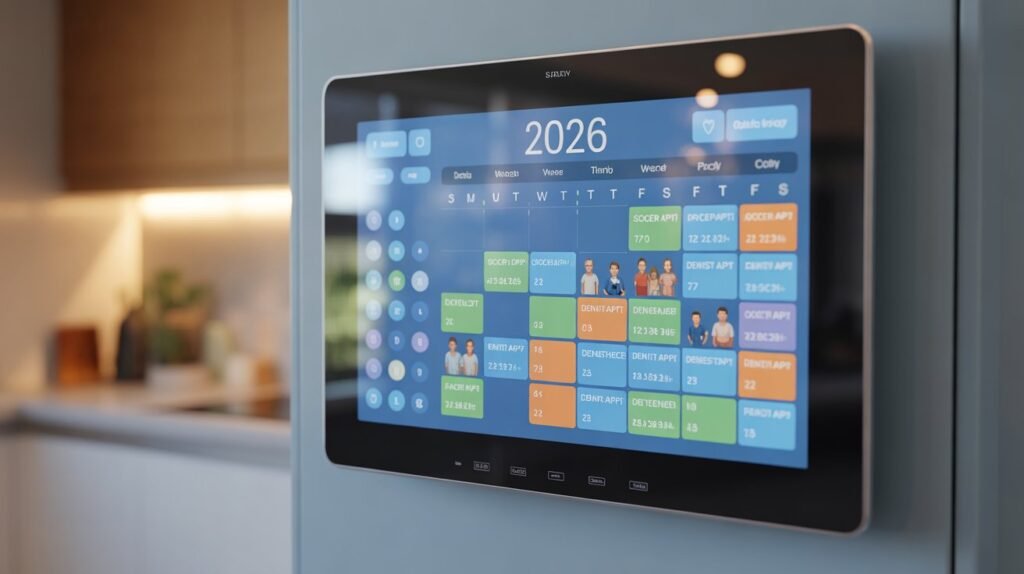
Features That Actually Saved My Sanity
- The Chore Chart: This is a total game-changer. My kids actually want to check off their tasks because it’s on a cool touch screen. It’s basically gamifying their housework.
- Meal Planning: You can display the weekly menu right there. No more “What’s for dinner?” fifty times a day.
- Photo Frame Mode: When you aren’t staring at your busy schedule, it turns into a gorgeous digital photo album. It actually looks like high-end decor, not just another screen.
Is It Easy to Set Up?
I’m not a tech wizard, but I had this thing synced with my Google Calendar and Apple iCal in under ten minutes. It works with Outlook and Cozi too. If you can use a smartphone, you can handle this setup.
Quick Pros & Cons
| Feature | Why We Love It | The Reality Check |
| Syncing | Instant Google/Apple/Outlook sync | Needs a solid Wi-Fi connection |
| Display | Huge, bright 1080p screen | Requires an outlet (not battery-powered) |
| Fees | No monthly subscription costs | Initial cost is higher than a paper planner |
| Kids | Interactive chore lists & rewards | You’ll be wiping fingerprints off the glass! |
The Daily Problem Most Families Face
Modern families live in a constant state of scheduling chaos.
Between work meetings, kids’ school activities, sports practices, doctor appointments, and social events, it’s incredibly easy to forget something important.

Most households try to stay organized using:
- Phone reminders
- Paper wall calendars
- Sticky notes on the fridge
- Messaging apps
But these methods create more confusion than clarity.
Events get buried in individual phone calendars. Kids don’t see reminders. Parents double-book appointments.
The result?
Missed events, late arrivals, and constant stress.
That’s exactly why smart home planners like the 15.6-inch Smart Digital Calendar are becoming one of the most popular organization tools in American homes.
What Is the 15.6-Inch Smart Digital Family Calendar?
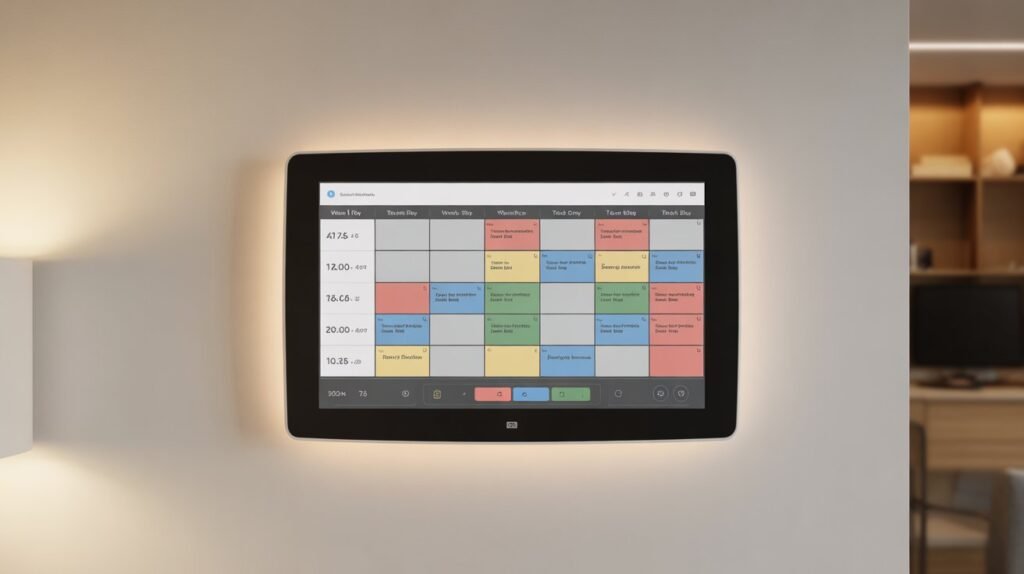
The 15.6-inch Smart Digital Calendar is a touchscreen display that works as a central command center for your family’s schedule.
Instead of juggling multiple calendars, this device syncs everyone’s schedules into one easy-to-read screen.
Key capabilities include:
- Google Calendar sync
- Apple iCloud calendar sync
- Outlook calendar integration
- Family chore tracking
- Meal planning
- Photo frame display
- Mobile app control
Once mounted on a wall or placed on a desk, it becomes the daily planning hub for your entire household.
Product Specifications
| Feature | Details |
|---|---|
| Screen Size | 15.6 Inches |
| Resolution | 1920 × 1080 Full HD |
| Touchscreen | Yes |
| Storage | 64GB |
| WiFi | Supported |
| Calendar Sync | Google, iCloud, Outlook, Cozi |
| App Support | iOS & Android |
| Mounting Options | Wall Mount / Tabletop |
| Additional Features | Chore Chart, Meal Planner, Photo Frame |
| Warranty | 1 Year |
Why Families Are Switching to Smart Digital Calendars
The biggest problem with digital organization is that everyone uses a different app. Mom might use Google Calendar for work, while Dad uses Outlook. The Foson 15.6″ display solves this by acting as a universal hub, utilizing real-time sync to pull every schedule into one color-coded view.
Here are the biggest problems families face today.
1. Everyone Uses Different Calendars
Mom uses Google Calendar.
Dad uses Outlook.
Kids have school schedules.
This creates multiple disconnected schedules.
The smart calendar solves this by syncing all calendars in one place.
2. Kids Forget Chores
Parents constantly remind kids about:
- Homework
- Cleaning rooms
- Taking out trash
- Feeding pets
The built-in digital chore chart system allows parents to assign tasks and track completion.
Some families even add reward points to encourage responsibility.
3. Meal Planning Takes Too Much Time
One of the most underrated features is the meal planning system.
Families can:
- Plan weekly meals
- Share grocery plans
- Avoid last-minute dinner decisions
This helps reduce stress during busy weekdays.
4.End the “Mental Load” and Coordination Chaos
Research shows that having a visible, “always-on” calendar reduces stress in the home. Because the Foson is wall-mounted in a high-traffic area, children and spouses can see the day’s agenda without having to ask you. This transparency creates “predictability and calm” for the entire household.
5.Interactive Chore Charts and Rewards
One of the standout features of the Foson is the gamified chore system. You can assign tasks to each child, and they receive “star rewards” for completion. This interactive element encourages independence—kids actually enjoy checking off their daily routines, such as “brush teeth” or “homework,” to earn their rewards.
6.Seamless Multi-Platform Synchronization
The Foson isn’t just a tablet; it’s a dedicated syncing machine. It supports:
- Google Calendar (Perfect for two-way syncing)
- Apple iCloud (Essential for iPhone-using families)
- Outlook & Yahoo (Great for work-life integration)
Key Features That Make This Smart Calendar Stand Out
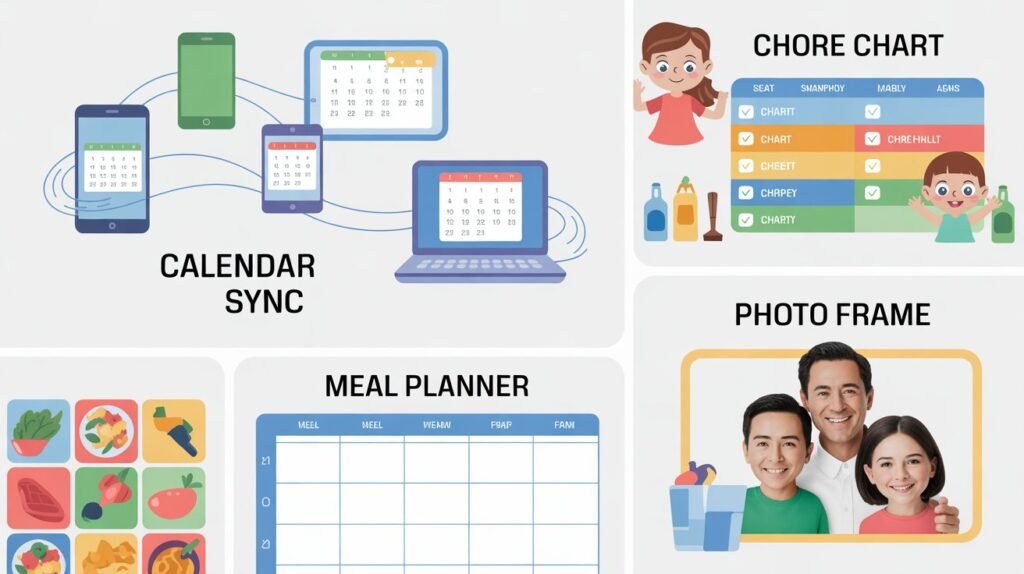
1. Two-Way Calendar Sync
Unlike many digital displays, this calendar supports two-way synchronization.
That means:
- Add event on phone → appears on calendar
- Add event on calendar → appears on phone
Supported calendars include:
- Google Calendar
- Apple iCloud
- Outlook
- Yahoo
- Cozi
This ensures every family member always sees the latest schedule.
2. Large 15.6-Inch Touchscreen
Most digital planners are too small.
This screen is large enough to be seen across the room, making it ideal for:
- Kitchen walls
- Home offices
- Family rooms
- Entryways
The Full HD display ensures events remain clear and readable.
3. Family Chore Chart With Rewards
The calendar includes a built-in chore tracking system.
Parents can:
- Assign tasks to kids
- Track completed chores
- Add reward points
- Monitor progress
This feature turns chores into a fun accountability system.
4. Smart Photo Frame Mode
When the calendar isn’t in use, it automatically switches into photo display mode.
This allows families to showcase:
- Family photos
- Memories
- Digital artwork
So the screen doubles as a home decoration piece.
5. Mobile App Control
The companion mobile app allows users to control the calendar remotely.
You can:
- Add events
- Update chores
- Edit meal plans
- Adjust settings
This means you don’t need to be near the screen to update schedules.
Smart Digital Calendar vs Other Family Planner Displays
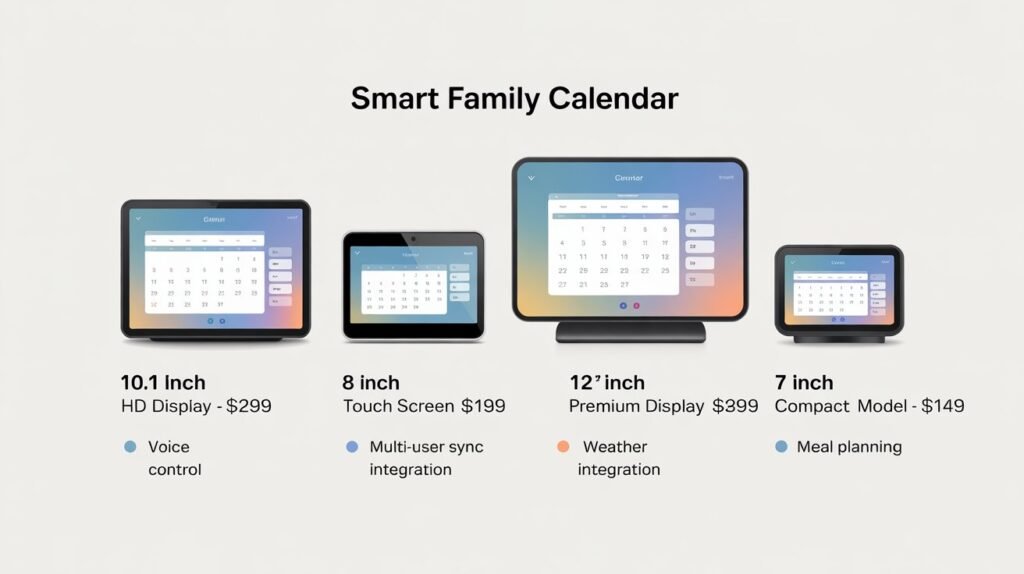
Here is how it compares with other popular digital calendars.
| Product | Screen | Price | Sync | Subscription |
|---|---|---|---|---|
| Foson Smart Calendar | 15.6″ | ~$249 | Google, iCloud, Outlook | No |
| Skylight Calendar | 15″ | ~$300 | Google, Apple | Some features paid |
| Cozyla Calendar | 15.6″ | ~$315 | Multiple | No |
| Hearth Display | 27″ | ~$699 | Multiple | Required |
The Foson model offers one of the best price-to-feature ratios.
Pros and Cons
Pros
✔ Large touchscreen display
✔ Syncs multiple calendars
✔ Includes chore tracking
✔ Works as digital photo frame
✔ No monthly subscription
✔ Easy setup
Cons
✖ No voice assistant integration
✖ Limited customization options
✖ Requires WiFi connection
Who Should Buy This Smart Calendar?
This device is ideal for:
Busy Families
Parents juggling multiple schedules benefit the most.
Parents With School-Age Kids
Kids can easily check schedules and chores.
Remote Workers
Professionals managing multiple meetings stay organized.
People Who Love Smart Home Gadgets
It integrates nicely with modern smart homes.
Setup Guide (Takes About 5 Minutes)
Setting up the calendar is surprisingly simple.
Step 1 — Plug in the device
Step 2 — Connect to WiFi
Step 3 — Install the mobile app
Step 4 — Link your calendars
Step 5 — Add family profiles
Once completed, your entire family schedule will appear instantly.
Is the Smart Digital Calendar Worth It?
If your household constantly struggles with scheduling chaos, the answer is yes.
Instead of juggling multiple calendars and reminders, everything appears on one shared screen.
This leads to:
- Fewer missed appointments
- Better communication
- More organized daily routines
For under $300, it’s one of the most useful productivity tools for families.
1. Benefits of Using a Smart Digital Family Calendar
Modern households manage dozens of responsibilities every week.
A smart digital calendar makes everyday planning significantly easier.
Here are the biggest benefits families experience.
Better Family Communication
When schedules live inside personal phones, other family members cannot see them.
A shared digital calendar solves this problem by displaying everyone’s plans in one place.
This improves coordination for:
- school pickups
- sports practice
- family dinners
- appointments
Everyone knows exactly what is happening each day.
Reduces Mental Stress
Parents often carry the mental load of remembering everything.
A smart family planner removes this pressure by visualizing the entire week clearly.
Instead of remembering everything mentally, you can simply glance at the display.
Improves Kids’ Responsibility
Children often forget chores and responsibilities.
A digital chore chart helps kids build habits by giving them:
- daily reminders
- visual progress tracking
- reward systems
This makes task management more engaging.
2. Where to Place a Smart Family Calendar in Your Home
Placement plays an important role in how effective the calendar becomes.
Most families install their smart calendar in high-traffic areas.
Kitchen Wall
The kitchen is usually the best location.
Family members gather there daily, making it easy to check schedules while preparing meals.
Entryway or Hallway
Installing the calendar near the entrance helps everyone check plans before leaving the house.
Home Office
Remote workers often place the calendar near their desk to track meetings and family events.
3. Digital Calendar vs Traditional Wall Calendar
| Feature | Smart Digital Calendar | Traditional Calendar |
|---|---|---|
| Updates | Automatic | Manual |
| Calendar Sync | Yes | No |
| Chore Tracking | Yes | No |
| Notifications | Yes | No |
| Remote Editing | Yes | No |
| Visual Design | Modern display | Paper only |
Traditional calendars work well for simple planning, but they cannot integrate modern digital schedules.
A smart digital calendar acts as a central household dashboard.
4. Tips to Get the Most Out of Your Smart Calendar
Once the device is installed, you can maximize its value with a few simple habits.
Color Code Each Family Member
Assign colors to each person’s schedule.
For example:
- blue → dad
- pink → mom
- green → kids
- yellow → family events
This makes it easy to read schedules quickly.
Create Weekly Planning Sessions
Spend 5 minutes every Sunday updating schedules.
Families who do this stay significantly more organized.
Use the Chore Chart Consistently
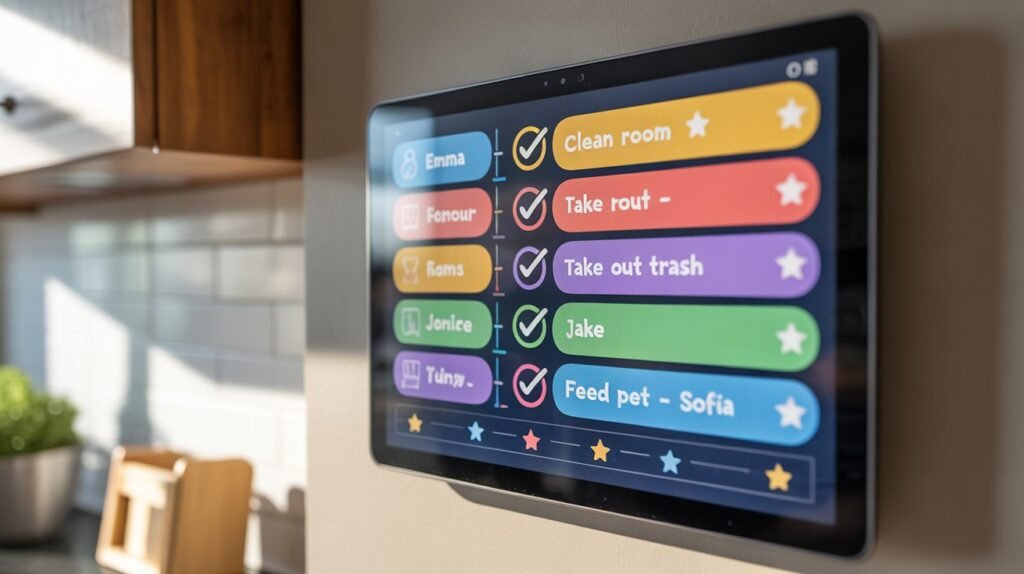
Children respond well when chores are tracked visually.
Consistency turns the calendar into a family accountability tool.
5. Frequently Asked Questions
What is the best digital family calendar?
The best digital family calendars offer:
- touchscreen display
- Google calendar sync
- chore tracking
- mobile app integration
Devices like the Foson Smart Calendar provide all these features in one system.
Can a digital calendar sync with Google Calendar?
Yes.
Most smart calendars support two-way Google Calendar synchronization, allowing updates from both the mobile app and the display.
Are digital family calendars worth it?
For busy households, digital calendars are extremely helpful.
They reduce missed events, improve organization, and keep everyone informed.
How much does a smart digital calendar cost?
Most smart calendar displays cost between $200 and $700, depending on screen size and features.
Foson vs. Skylight: Why Save $79 Per Year?
While the Skylight Calendar is a “cult favorite,” it comes with a major drawback: a $79/year subscription for “Calendar Plus” features like meal planning and photo screensavers. The Foson 15.6-inch model offers these features—including the digital photo frame mode—for free. Over five years, choosing Foson saves your family nearly $400 in subscription fees.
6. Final Verdict
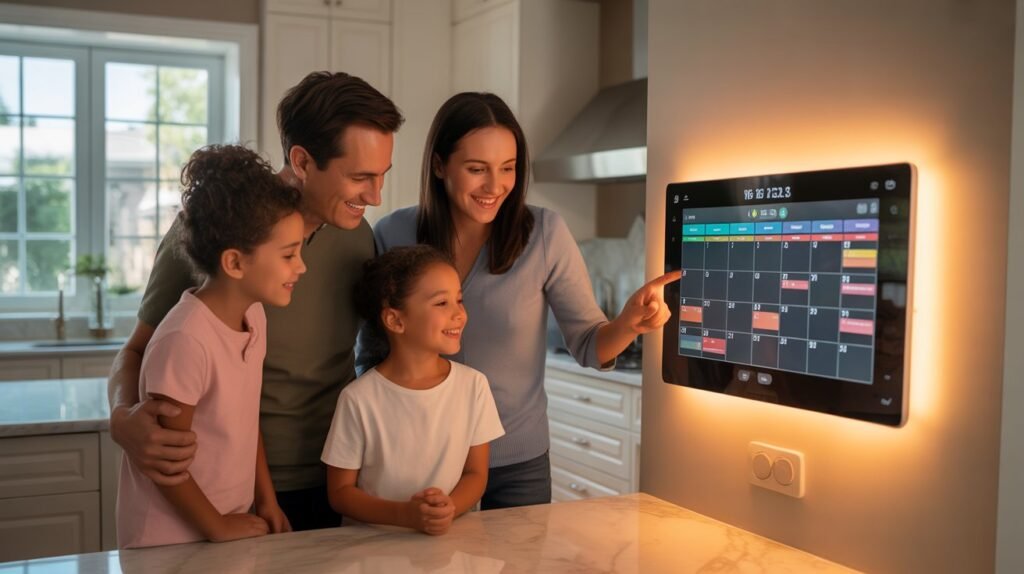
The 15.6-inch Smart Digital Family Calendar is one of the easiest ways to bring organization into a busy household.
By combining scheduling, chore tracking, and meal planning into one touchscreen display, it becomes a powerful tool for daily family life.
For families who constantly struggle with missed appointments and chaotic schedules, this device offers a simple yet effective solution.
Instead of juggling multiple apps and reminders, everything becomes visible in one central location.
If your goal is to create a more organized and stress-free home, a smart digital calendar is definitely worth considering.
Frequently Asked Questions (FAQ)
1. What is a smart digital family calendar?
A smart digital family calendar is a touchscreen display that allows families to manage schedules, chores, and reminders in one central place. It typically syncs with services like Google Calendar, Apple iCloud, and Outlook so events added on phones or computers appear instantly on the wall calendar display.
2. How does a smart digital calendar help families stay organized?
A smart calendar helps families stay organized by displaying everyone’s schedules in one visible place. Instead of checking multiple apps or paper planners, the entire household can quickly see upcoming events, appointments, and tasks. This reduces scheduling conflicts and missed activities.
3. Can a digital family calendar sync with Google, iCloud, and Outlook?
Yes. Most modern digital family calendars support two-way synchronization with popular calendar services such as Google Calendar, Apple iCloud, Outlook, Yahoo, and Cozi. This means when you update an event on your phone, it automatically appears on the wall calendar display.
4. Where is the best place to install a digital family calendar?
The best locations for a digital family calendar include high-traffic areas where everyone can easily see it. Popular spots include the kitchen wall, hallway, entryway, or home office. Placing the calendar in a shared space encourages everyone in the household to check schedules regularly.
5. Is a smart digital calendar better than a traditional wall calendar?
Yes, for many families it is. Traditional wall calendars require manual updates and cannot sync with phones or apps. A smart digital calendar automatically updates events, sends reminders, and allows multiple family members to manage schedules from different devices.
6. Can kids use a digital family calendar?
Yes. Many digital family calendars include features designed specifically for families, such as chore charts and task reminders. Parents can assign chores to children and track completion, helping kids develop responsibility and better time management habits.
7. Do smart digital calendars require a monthly subscription?
Some digital calendar devices require subscriptions for premium features, but many models offer full functionality without monthly fees. Features like calendar syncing, chore charts, and meal planning are often included with the device itself.
8. Can I add events directly from the touchscreen display?
Yes. Most smart digital calendars have interactive touchscreens that allow users to add events, edit schedules, or check tasks directly on the device without needing a phone or computer.
9. Are smart family calendars difficult to set up?
No. Most devices are designed for quick setup. Typically, you only need to connect the calendar to Wi-Fi, download the companion mobile app, and link your existing calendars. Once connected, your schedules automatically appear on the display.
10. Are smart digital calendars worth buying?
For busy households, smart digital calendars can significantly improve organization. They reduce missed appointments, simplify family communication, and create a clear overview of everyone’s schedules in one place. Many families find that a centralized calendar reduces stress and saves time.
If you’re also exploring innovative solutions for modern living and affordable housing, you might find this guide helpful: Portable Prefab Houses in the USA: A Smart Solution to the 2026 Housing Crisis . It explains how modular and portable homes are becoming an affordable alternative for many Americans facing rising housing costs.